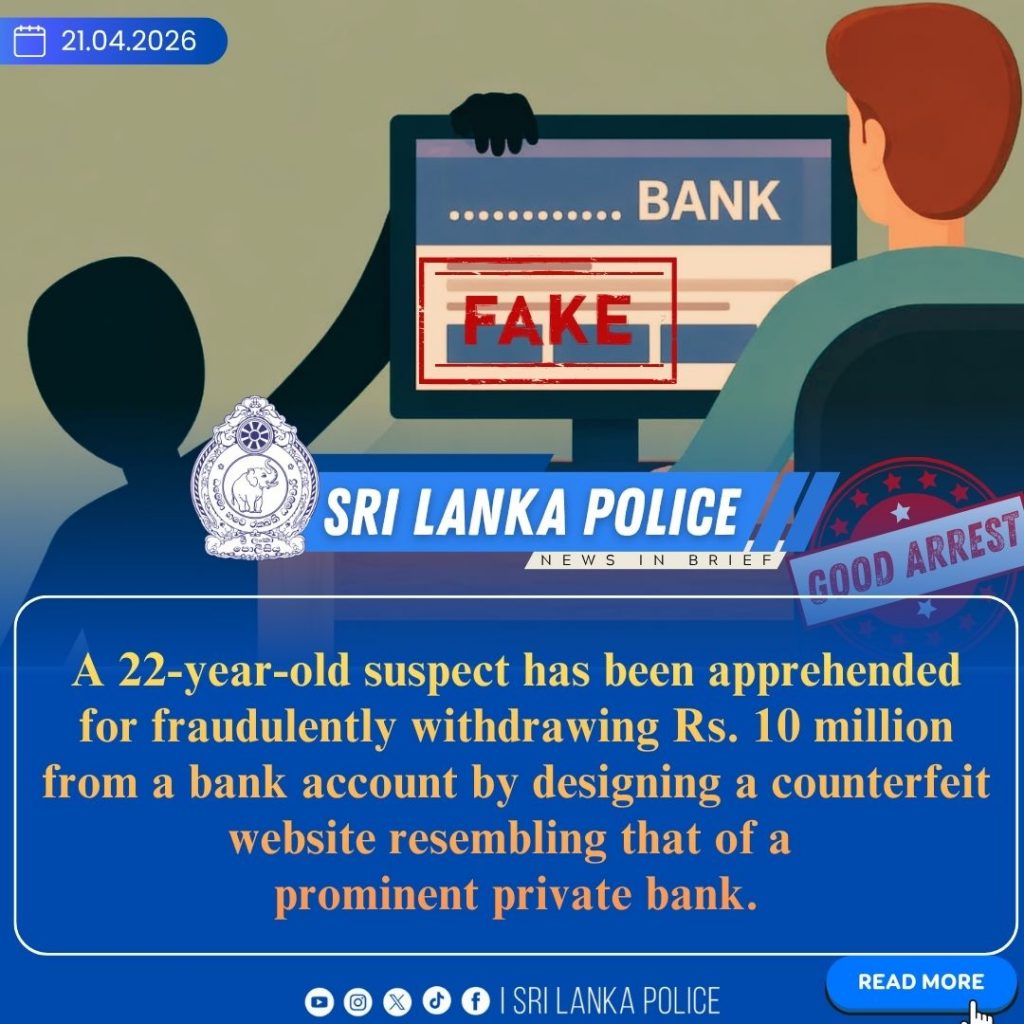
A 22-year-old suspect has been arrested by the North Western Provincial Unit of the Computer Crime Investigation Division for allegedly defrauding an individual of Rs. 1,000,024 (one million twenty-four thousand rupees). The suspect is accused of creating a fraudulent website resembling the official site of a leading private bank in the country, obtaining the victim’s online banking credentials, and unlawfully withdrawing funds from the account.
A complaint regarding this incident was received by the unit on 16.02.2026. Following an extensive investigation, the suspect was identified, apprehended in the Minuwangoda area on the afternoon of 20.04.2026, and subsequently handed over to the Wariyapola Police Station.
The suspect is scheduled to be produced before the Kurunegala Magistrate’s Court on 21.04.2026. Further investigations are being carried out by the North Western Provincial Unit of the Computer Crime Investigation Division.
—
How to Identify Fake Websites
Recognizing fraudulent websites is essential to safeguard your personal information and financial assets when using the internet. The following are key indicators to help identify suspicious websites:
1. Verify the URL (Domain Name)
Fake websites often use domain names that closely resemble legitimate ones.
Spelling variations: For example, “facebook.com” may appear as “facebk.com” or “g00gle.com”.
Domain extensions: Trusted websites commonly use extensions such as “.com, .org,” or “.lk”, whereas suspicious sites may use unusual or unfamiliar extensions.
2. Check for HTTPS and the Padlock Icon
Ensure that the website address begins with “https://”, where “s” indicates a secure connection.
Click on the padlock icon in the address bar to verify the validity of the SSL (Secure Sockets Layer) certificate.
However, note that some fraudulent websites may also use HTTPS, so this should not be the sole factor for trust.
3. Examine Website Design and Content
Fake websites are often poorly designed and may contain noticeable flaws:
* Spelling and grammatical errors
* Low-quality or distorted images
* Non-functional buttons or broken links
4. Review Contact Information
A legitimate website should provide clear and verifiable contact details, such as:
* A physical address
* A valid telephone number
* A customer service email address
The absence of a “Contact Us” page or insufficient contact details may indicate a fraudulent site.